

How to Recover Deleted Files from Network Shares
You may have discovered--and too late--that while you can recover some deleted files from the Windows Recycle Bin on local machines, you cannot recover deleted...
Key Takeaways for Enterprise Leaders
Actionable strategies verified against enterprise industry benchmarks and real-world rollouts.
Statistical evidence and market data to support executive budgeting and strategic alignment.
Executive Abstract
Peer ReviewedThis happens because Windows is organized so that deleted files can be captured by the Windows Recycle bin on local drives only. If a user deletes a file on a server from a network shared folder, it isn’t being deleted from the local machine, so the Recycle Bin does not capture it. This is also true of files deleted from attached or removable drives, and files deleted from applications or the Command Prompt. Only files deleted from File Explorer on a machine’s local drive will be saved by the Recycle Bin.
With some types of software, you might be able to recover an earlier saved version of a file deleted from a network shared folder, which would give you the version prior to the deletion. Failing this, the only other way to recover a file deleted from a network share (without a third-party solution—see below) is to have your system administrator retrieve an earlier saved version of the file from the most recent backup. This will only work if:
b) You can recall the file name so that the system administrator can find it
c) You can recall with some accuracy the time and date when the file was saved.
This method is, of course, extremely time consuming for the sys admin—and for you, too, if you have to wait. Even if the previous version can be retrieved, any work done on the file since the last save is lost forever.
Fortunately, there is a very easy and cost-effective solution to this perpetual issue: Undelete® Instant Data Recovery software from Condusiv.
Unlock Report Access
Provide your corporate details for instant PDF access.
Related Executive Research
 Guide
Guide
Can You Run It On Linux? 10 Vital Apps You'll Want When You Switch
By downloading this free guide, you agree to receive regular updates on the latest cool apps, product reviews, and giveaways from MakeUseOf. There’s never be...
 Asset
Asset
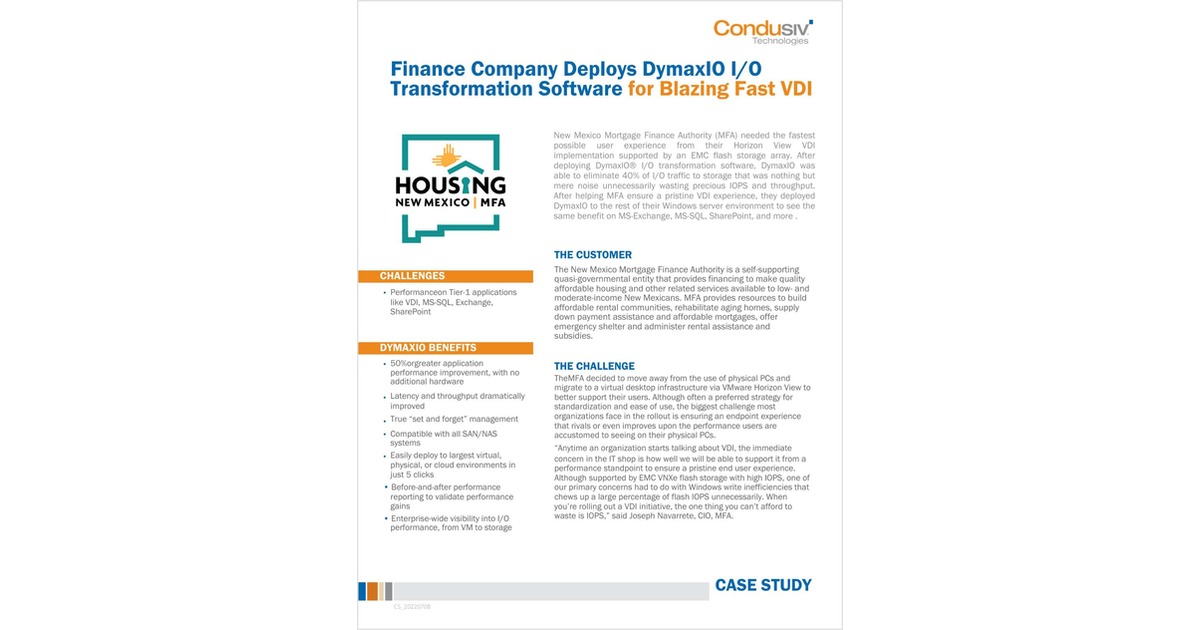
Finance Company Deploys DymaxIO I/O Transformation Software for Blazing Fast VDI
A government finance agency delivers a pristine VDI experience by eliminating 40% of unnecessary storage I/O--without adding flash or IOPS. When the New Mexico...
 Asset
Asset
10 Steps to Extending Server Lifecycle
More than ever, enterprises are having to “make do with what they’ve got.” to keep budgets in line. The current times have caused businesses some hardshi...